
Toggle menu
Blog
Insights, tutorials, and updates from our team
PDF Security
How to Password Protect a PDF: The Complete Guide to Secure PDF Files
PDF files—yeah, they can hold a lot of sensitive stuff. You don’t want just anyone poking around in your financial...

PDF Conversion
How to Make a PDF on iPhone: Convert, Save, and Share Easily
Creating PDFs on your iPhone is honestly a game-changer for managing documents, photos, and web content. Whether you need to...
PDF Modficiation
Split PDF: How to Quickly Divide & Extract Pages from PDFs
PDF documents can be monsters—big, unwieldy files with way more pages than you need. Sometimes you only want a chapter...
PDF Modficiation
How to Edit a PDF on Mac: Complete Guide to Editing PDFs Easily
Mac users have a bunch of solid options for editing PDFs without shelling out for pricey third-party software. You can...
PDF Conversion
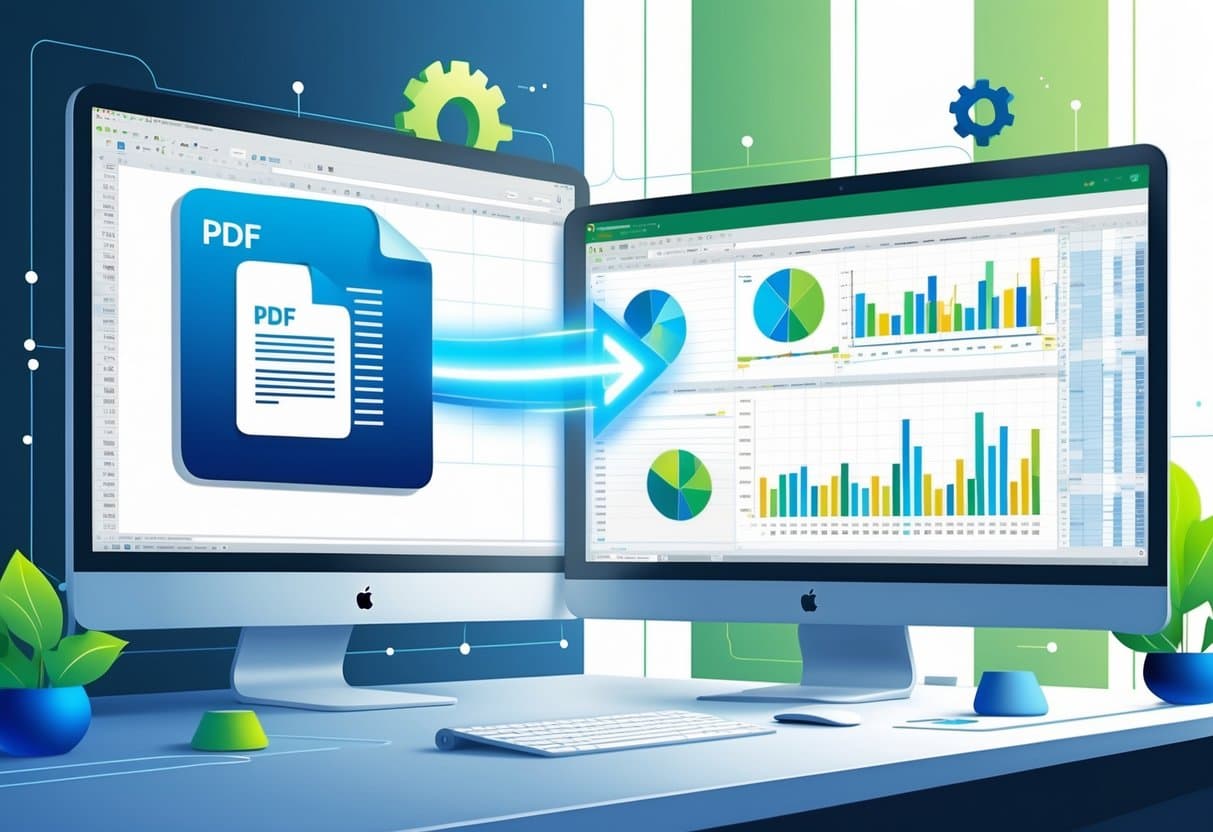
PDF to Excel: The Ultimate Guide to Accurate Conversion
Converting PDF files to Excel spreadsheets can turn static documents into editable, analyzable data formats. That’s essential for calculations, reporting,...
PDF Modficiation
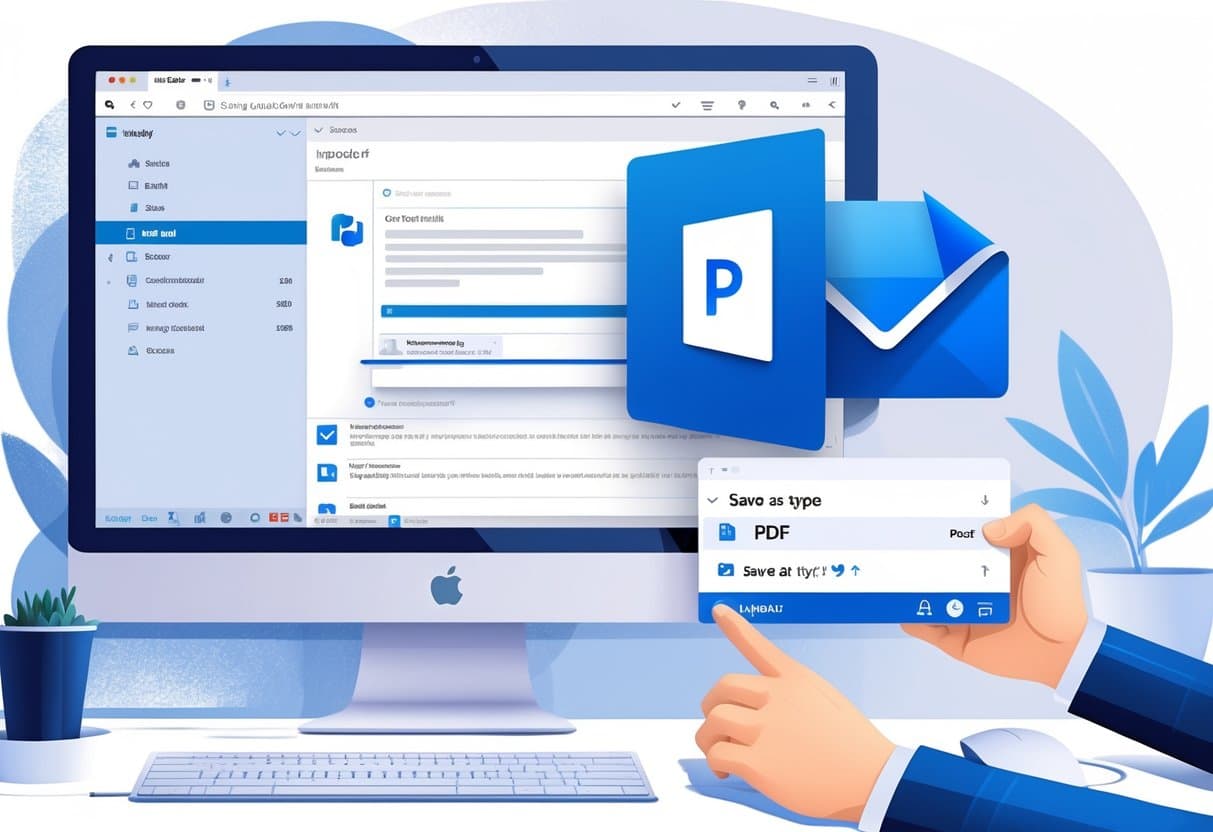
How to Save Outlook Email as PDF: Complete Methods for All Devices
Saving Outlook emails as PDF files makes it a lot easier to keep permanent records, share messages, or archive correspondence...
PDF Integration
Insert PDF Into Word: Step-by-Step Methods and Expert Tips
Adding PDF content to your Word documents can seem tricky, especially when you’re juggling different file types. Need to drop...
PDF Conversion
PDF to Google Docs: The Essential Guide to Seamless Conversion
Converting a PDF to Google Docs turns those locked-down files into editable, collaborative docs you can actually work with. If...
PDF Modficiation
How to Save Google Doc as PDF: Complete Guide for Desktop & Mobile
Converting Google Docs to PDF is a must for anyone sharing documents that need to look the same everywhere. You...