
Toggle menu
Blog
Insights, tutorials, and updates from our team
PDF Security
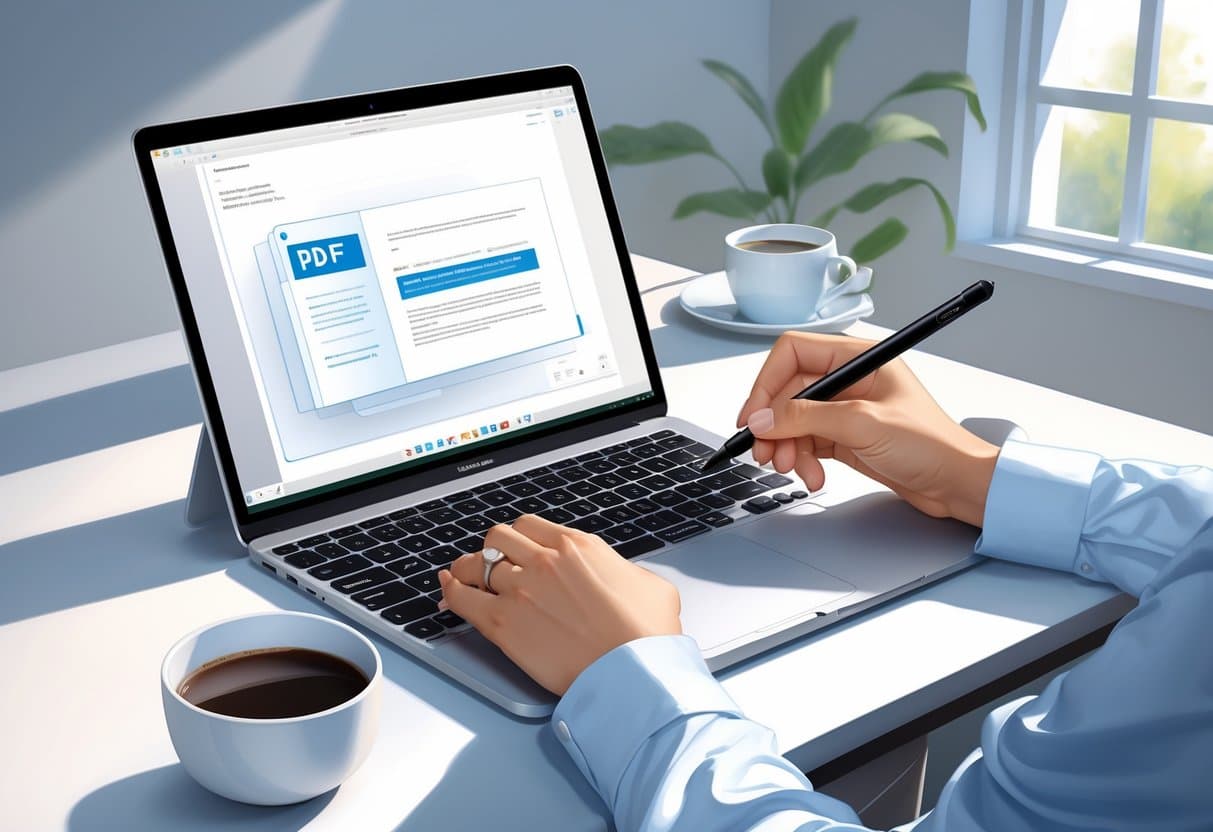
How to Sign a PDF on Mac: Fast, Secure, and Easy Methods
Signing PDFs on your Mac doesn’t mean you have to print anything or buy pricey software. You can actually sign...
PDF Conversion
PPT to PDF: Effortless PowerPoint to PDF Conversion Guide
Converting PowerPoint presentations to PDF is a pretty common need—whether you’re a student, a professional, or just someone trying to...
PDF Conversion
How to Make a PDF: Simple Methods and Pro Tips
Creating a PDF is honestly a must-have skill these days. Whether you’re preserving formatting, sharing files across devices, or just...
PDF Modficiation
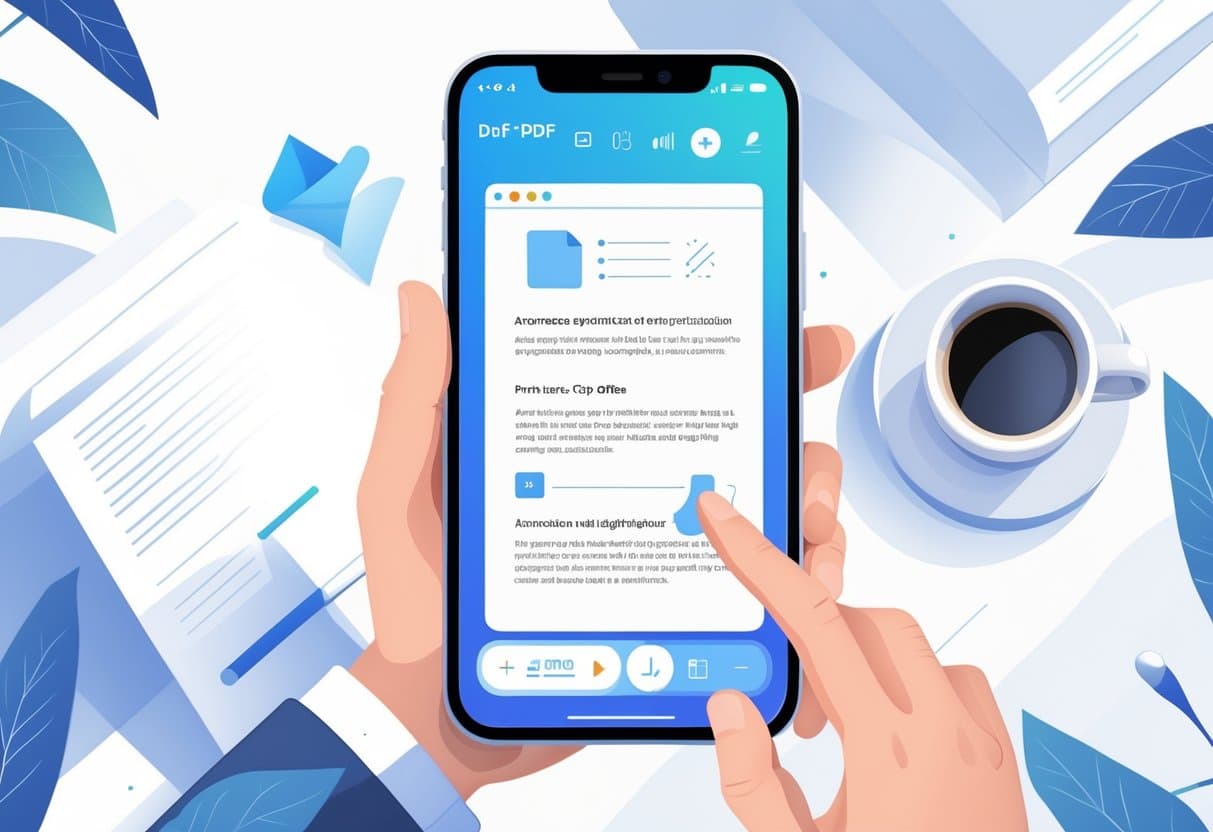
Edit PDF on iPhone: Step-by-Step Instructions & Best Tools
You can edit PDFs right on your iPhone using built-in tools and third-party apps—no computer needed. The native Files app...
PDF Security
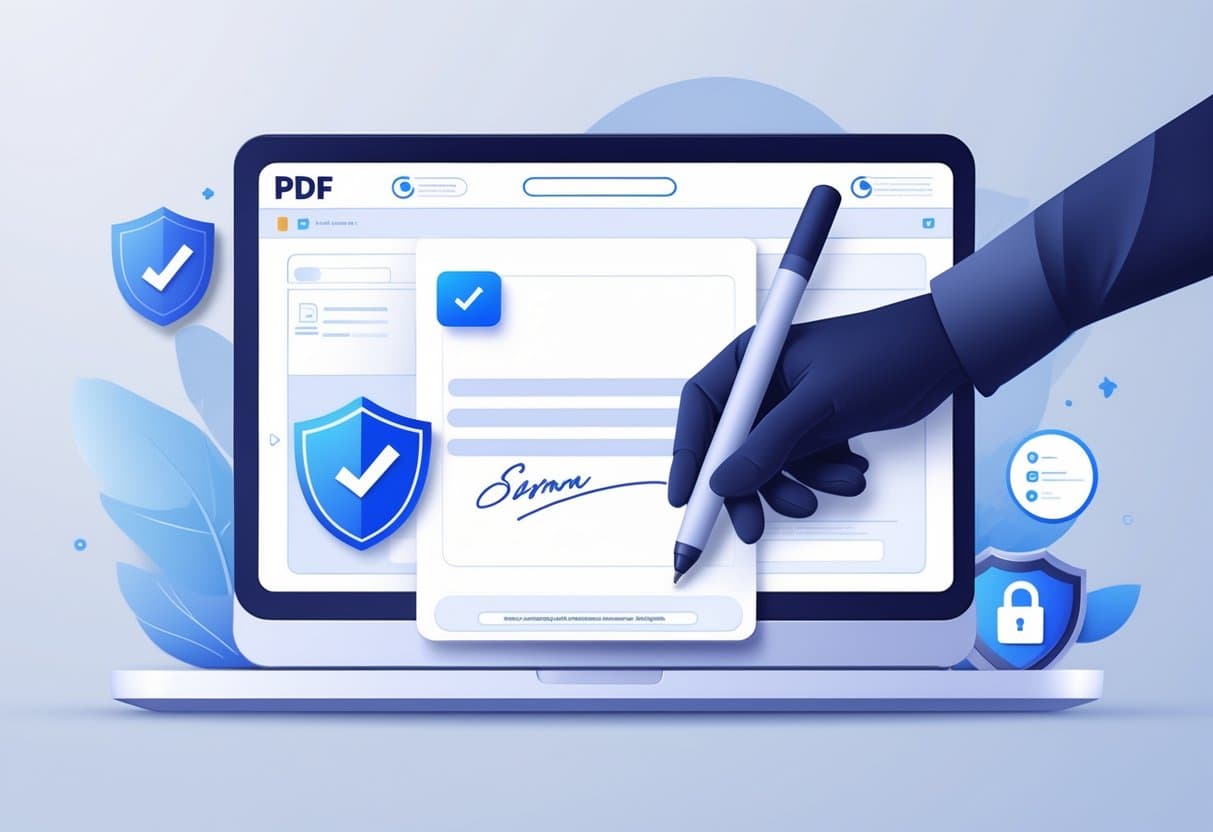
How to Add Digital Signature to PDF: Secure Signing Made Easy
Digital signatures have changed the way we deal with PDF documents. No more printing, signing, and scanning—finally. Whether you’re signing...
PDF Modficiation
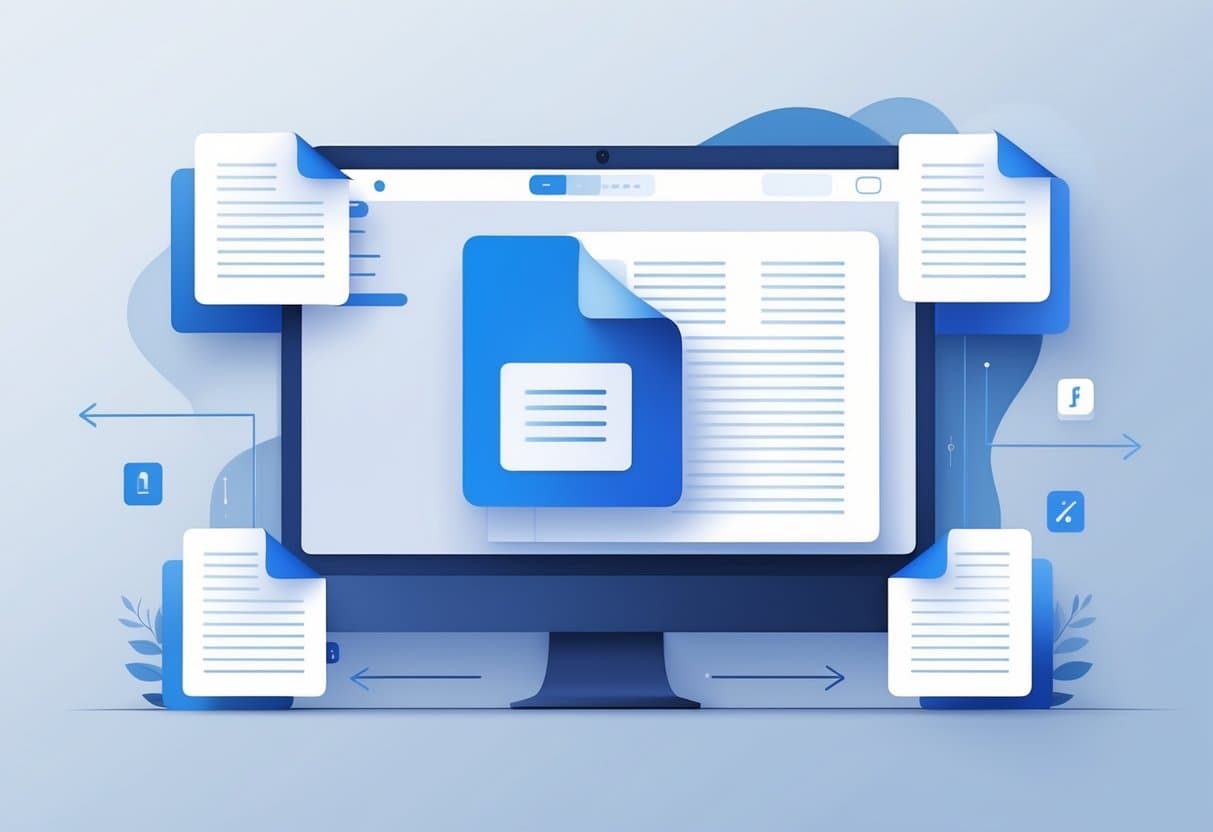
How to Extract Pages from PDF: Simple Methods and Tools
PDF page extraction lets you pull out specific pages from a big document and save them as separate files. It...
PDF Modficiation
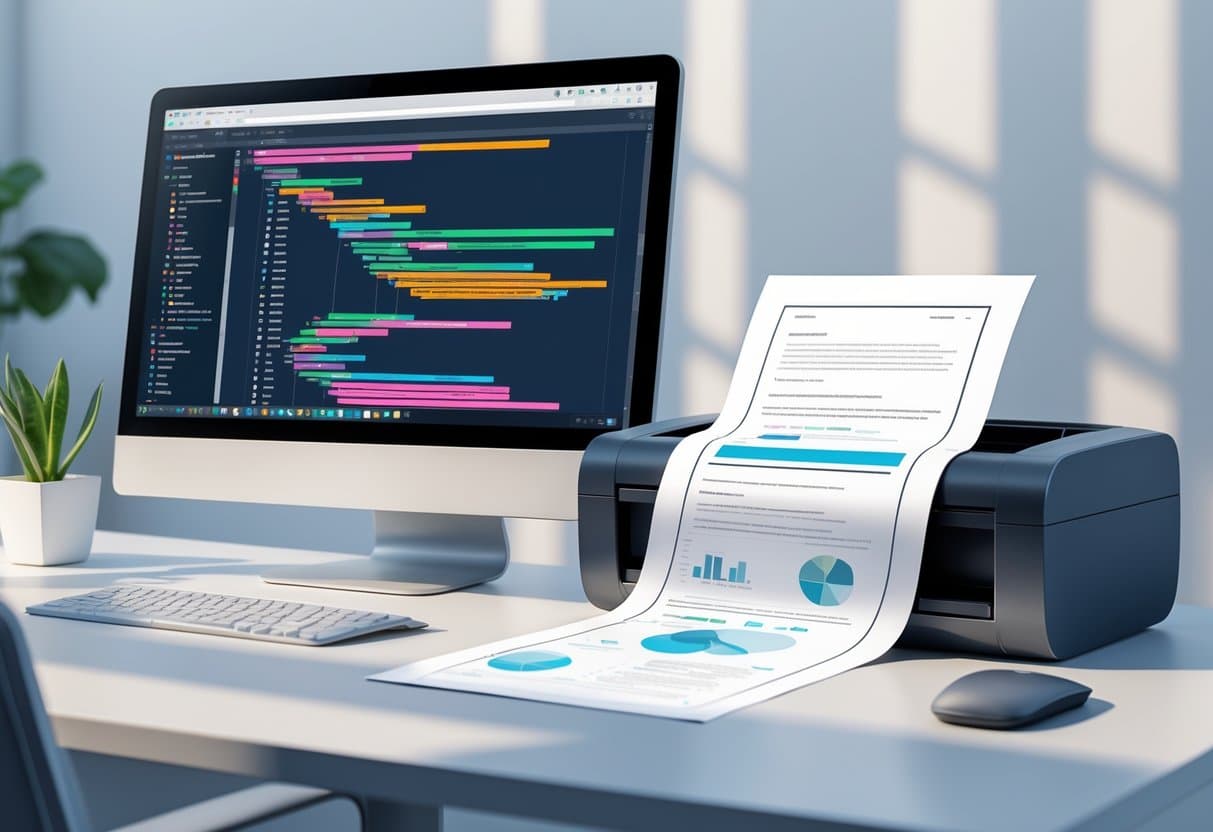
HTML to PDF: Essential Guide to Conversion, Tools, and Settings
Converting HTML to PDF lets you turn web pages into static, shareable documents that keep their formatting across any device...
PDF Conversion
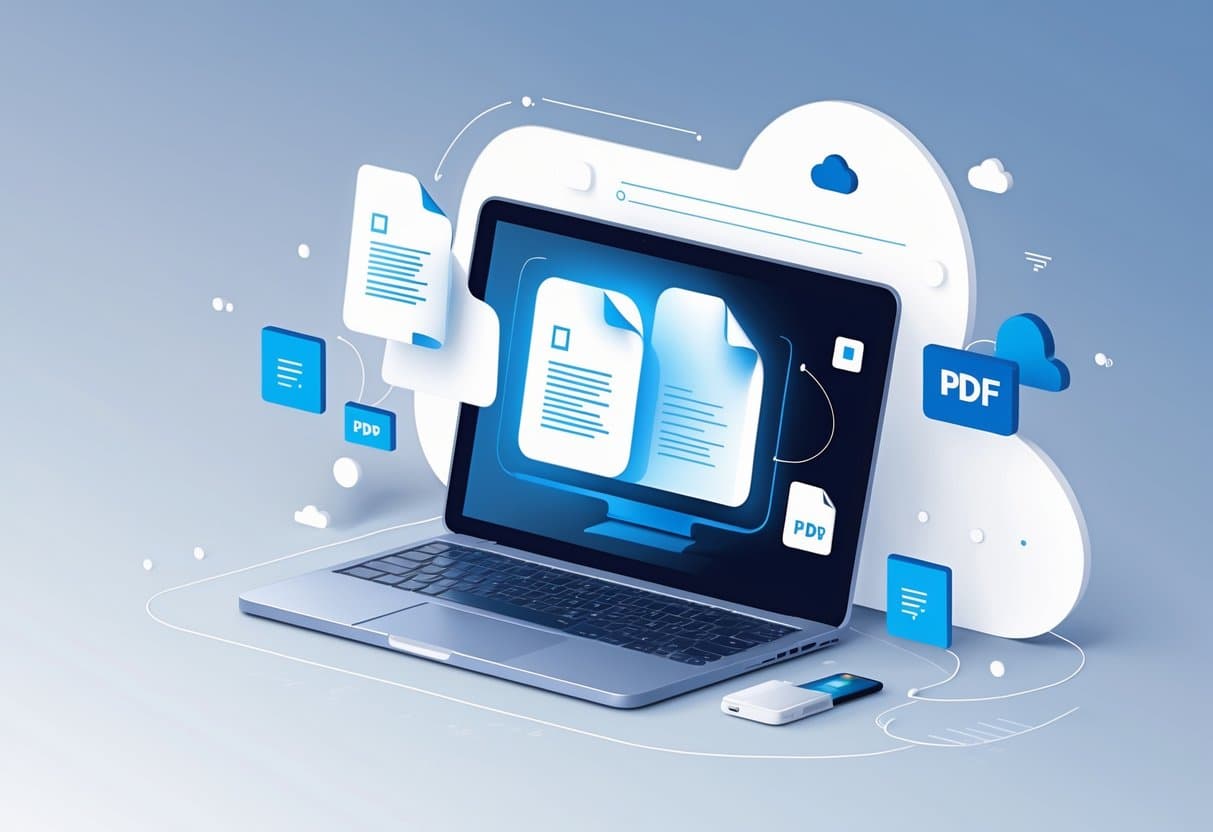
Convert Text to PDF Online: The Complete Guide for Seamless File Conversion
Converting text files to PDF has become almost second nature for anyone sharing docs professionally or just wanting their formatting...
PDF Modficiation
How to Add Image to PDF: Step-by-Step Methods and Tools
Adding images to PDF documents can really liven up static files, making them more engaging and easier to understand. Maybe...